One Small Change
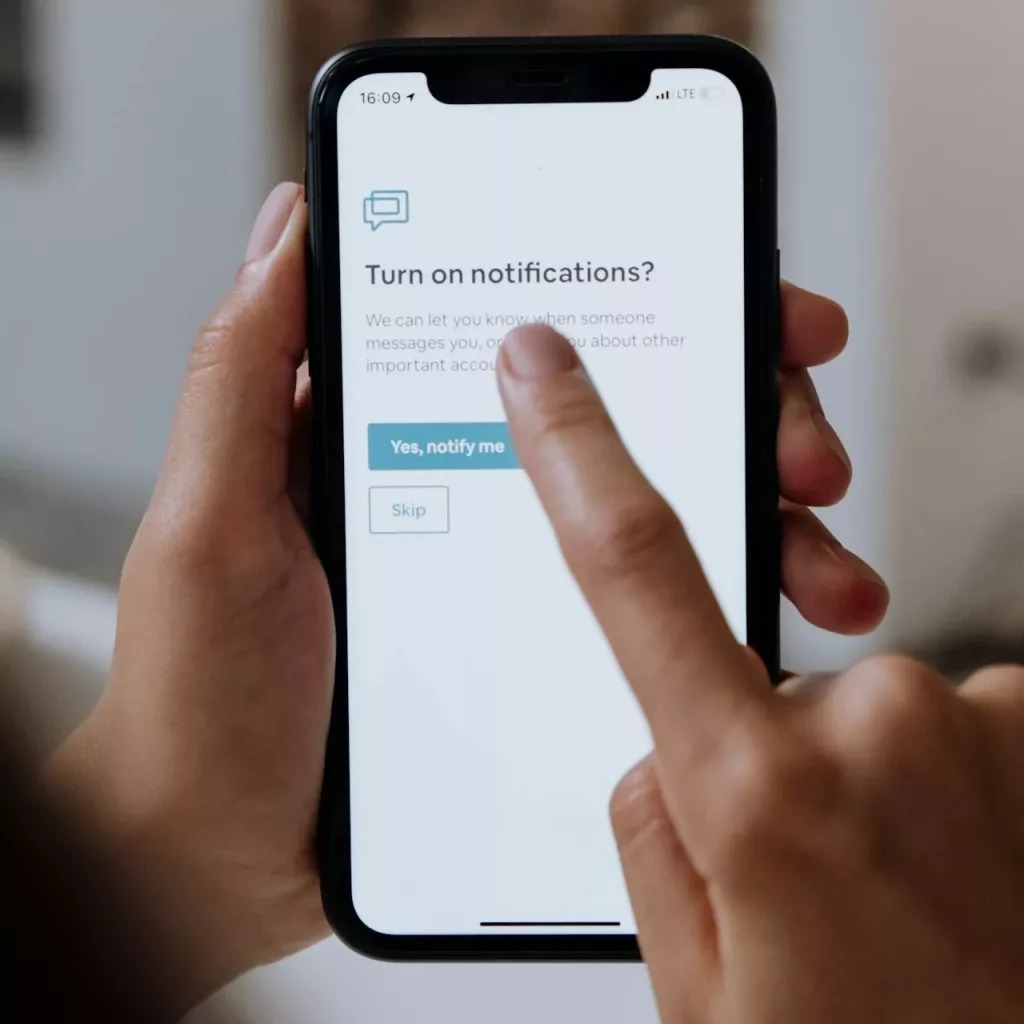
Try this: open your phone settings and turn off notifications for one app you do not actually care about. That is it. You have already made your digital world a little calmer. This, right here, is the first step in understanding the basics of digital skills and why government funded online courses are becoming so valuable for adults across the UK.
Like many people, I spend a lot of time online. Maybe too much, if I am being honest. I live, work, shop, scroll, and sometimes overshare all from the same few apps. I meet new people through online spaces and play games that connect me with complete strangers. While I love the convenience, I have started to realise how much of myself I leave behind out there. Slowly, it hit me that strangers online have access to more of my life than I would ever share in person.
Every click, every “accept cookies” pop-up, every photo I post tells a story about me. Sometimes I joke that the internet knows me better than my mum does. Lately, I have been trying to make my digital world calmer, safer, and more intentional.
If you feel the same, here is what I have learned so far. These are three lessons that helped me build confidence and safety online.
Table of Contents
Lesson 1: Keep Yourself Safe Online Without Losing Your Mind
You know that moment when a website asks you to “accept all cookies” and you click yes just to get it over with? That was me, every time. Then I realised those cookies track me everywhere I go online.
Online safety is not as complicated as it sounds. It is about boundaries. I started by checking which apps had access to my location, camera, and contacts. Almost all of them did. I switched off what I did not need, deleted a few apps, and immediately felt lighter.
It felt like cleaning up my digital house. You do not need to know everything about cybersecurity to protect yourself. You just need to know enough to stop giving away your private information for convenience. Nothing feels more freeing than taking back control of what you share.
If you want to learn the basics of how to stay safe online, government funded online courses can walk you through the essentials of keeping your information safe without the stress.
Lesson 2: Your Passwords Deserve a Glow-Up
Here is an embarrassing confession. A few years ago, my main password was “sunshine123.” I used it for everything. My emails, shopping accounts, and even Netflix. Then I learned that hackers can crack paswords like that in seconds.
That realisation terrified me. Imagine someone logging into your accounts and seeing your messages or bank details.
So, I took one of those government funded online courses that teach the basics of digital skills and discovered how much easier it is to stay safe when you treat passwords like keys. You would not use one key for every door, would you?
Now, here is what I do:
- I use a password manager to keep everything secure.
- I turn on two-factor authentication wherever possible.
Changing my passwords felt like a small act of power. It was my way of saying, “You cannot walk into my digital life anymore.”
Lesson 3: Privacy Is Not Paranoia
Privacy gets a bad reputation. People say I am overreacting when I ask them not to post photos of me online without permission. But with everything from banking to baby pictures stored on the internet, protecting your sensitive information is just smart.
One moment that opened my eyes was when I posted a simple photo from my living room. A friend messaged me later and said, “Oh, I know where you live now.” It was innocent, but it felt strange. That was the day I decided to be more cautious.
Now, before I post anything, I ask myself, “Would I say this out loud in a crowded room?” If not, I keep it private. I also take five minutes each month to check privacy settings on my social media. Many apps quietly change their policies, hoping no one notices. Now I do.
When you clean up your online space, your head feels clearer too. And if you want a proper guide to online protection, there are government funded online courses that teach how to manage your data and stay safe.
What Calm Online Living Looks Like
One of the best lessons I have learned from exploring digital skills basics is that calm, safe online living is possible. You just need to take small, mindful steps.
I make matcha before checking my emails. I mute notifications after nine. I even use an app that lets me read without seeing ads.
For years, I thought being online meant being connected. Now I know that real connection starts with boundaries and balance.
If your brain feels constantly plugged into the internet, take a small break. You do not need to delete everything. You just need to make your digital world feel like a space you control.
How My Free Course Can Help
Well, at My Free Course, we help adults across England access government funded online courses that improve confidence, build practical skills, and support everyday wellbeing.
If this whole article is something you relate to, or would love to learn more, we are here for you! Explore our free Level 2 Principles of Cyber Security course. It teaches you how to strengthen your online safety, protect your data, and manage your digital world with confidence.
Here’s what our learners love about it:
- It’s free for eligible adults.
- It’s flexible, so you can study online at your own pace.
- It’s recognised by UK colleges and employers.
- It’s supported, so you get help from real tutors who care.
I encourage you personally that this is one of the best decisions in your life right now, especially if you are one who is big about digital private life.

Frequently Asked Questions
What are the basics of digital skills
Start small. Review your permissions, update your passwords, and be thoughtful about what you share. Awareness is your best protection.
How can I improve my online safety?
Start small. Check your settings, update your passwords, and think twice before sharing personal details online. Awareness is your best defence.
Why are passwords so important?
Strong passwords protect everything from your messages to your bank account. They’re the simplest way to protect your online life.
What’s an easy way to protect my privacy online?
Limit what you share on social media, use two-factor authentication, and review your settings once a month. It takes minutes but saves headaches later.
How can I learn more about cyber safety?
Take our free Level 2 Principles of Cyber Security course with My Free Course. It helps you understand the digital world and protect your personal data confidently.
Conclusion: Calm Over Chaos
You don’t need to purge every app or move to a secluded area to feel safe online. You just need better habits, one step at a time.
So tonight, maybe turn off one more notification. Change one old password. Or make a cup of tea (maybe matcha, but im biased!) and finally review your privacy settings. Small choices like that can make your digital world a lot calmer.
If this speaks to you, explore our free Level 2 Principles of Cyber Security course today. Because the calmer your online life is, the more energy you’ll have for the real one.